

Documentation Index
Fetch the complete documentation index at: https://docs.beatpass.ca/llms.txt
Use this file to discover all available pages before exploring further.
Why Join?
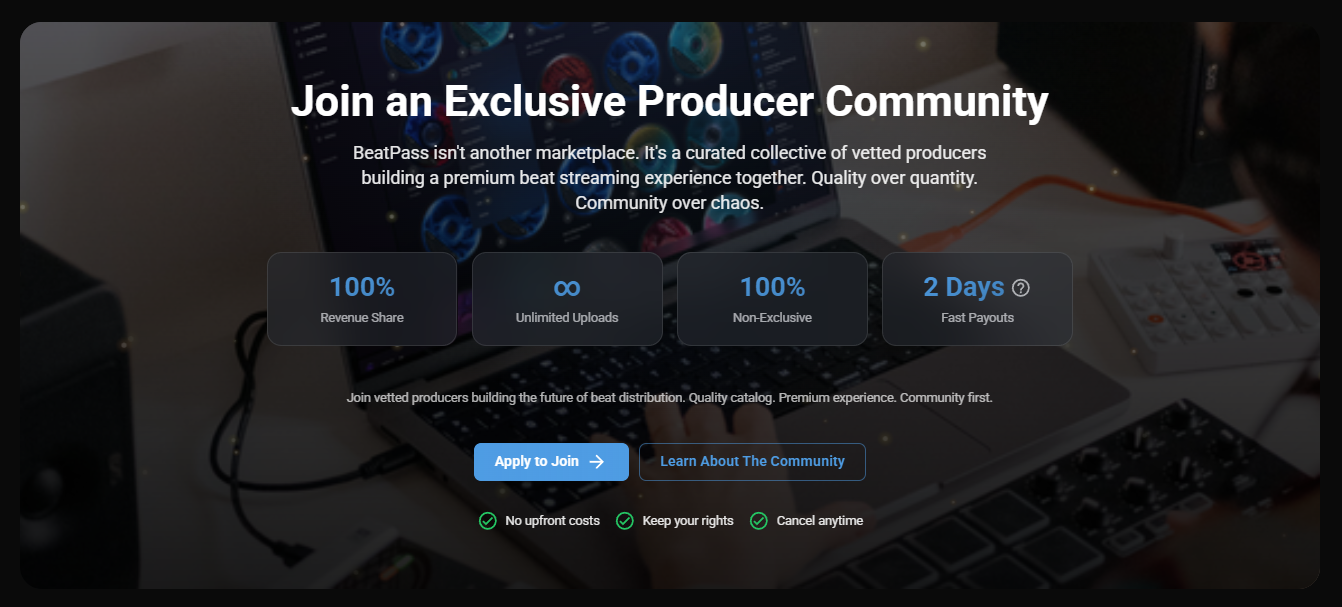
Keep 100%
On exclusive sales, you keep your listed price. The buyer pays the 12% + $3 platform fee on top.
Unlimited Uploads
The current producer tools do not impose a fixed catalog cap for beats or collections.
Keep Your Rights
You keep ownership of your music. BeatPass receives a non-exclusive license to host and distribute it on-platform.
How It Works
Visit the Producer Program page
Go to https://open.beatpass.ca/producer-program and click Apply to Join (if logged in) or Apply Now (if not).
Choose your request type
On the Join the Producer Program selector page, choose: Become a Producer (new profile), Claim Existing Artist (existing profile), or Get Verified (if you already have producer access).
Submit your request
Provide your real name, a public link to your beats, and any supporting materials BeatPass needs for review. For verification, you’ll be directed to Discord instead of a form.
Application Paths
The request selector at https://open.beatpass.ca/backstage/requests shows different options based on your account state.Become a Producer
New Profile
Shows when you don’t have a producer profile yet. Create a new producer identity.
Claim Existing Artist
Existing Profile
Available to all users. Claim a producer profile that already exists on BeatPass.
Get Verified
Discord Verification
Shows only if you already have producer access. Directs to Discord for manual verification.
The request selector dynamically adjusts: users without producer profiles see Become a Producer as the primary option, while existing producers see Get Verified instead.
What You’ll Need
Before applying, make sure you have:- A BeatPass account
- A public link to your beats
- Your real first and last name
- Rights to the music you plan to upload
Quick Facts
Earnings & Fees
Earnings & Fees
Your Earnings
100%
You keep your listed exclusive price
Platform Fee
12% + $3
Added on top and paid by the buyer
Uploads & Commitment
Uploads & Commitment
Upload Limits
Unlimited
No fixed catalog cap in the current producer tools
Commitment
Application Agreement
The request form asks you to confirm a 2-beats-per-month upload commitment
Rights & Costs
Rights & Costs
Your Rights
You Own It
Keep ownership and grant BeatPass a non-exclusive distribution license
Upfront Costs
$0
No producer signup fee
Submission Rules
Submission Rules
You can only have one request under review at a time. If your current request is Pending, BeatPass blocks new submissions until a decision is made. If your previous producer access was Revoked, you must appeal through https://open.beatpass.ca/contact.
Learn More
Benefits
What producer access unlocks once you are approved.
Requirements
What BeatPass asks for before approving a request.
Application Process
Step-by-step instructions for the current application flow.
After Approval
What to do first once your producer access is active.
Growing on BeatPass
Practical ways to build a stronger catalog and get more traction.
Uploading Music
The producer upload guides for tracks, collections, metadata, and cover art.